
MCP server
Your competitor research, in your AI assistant
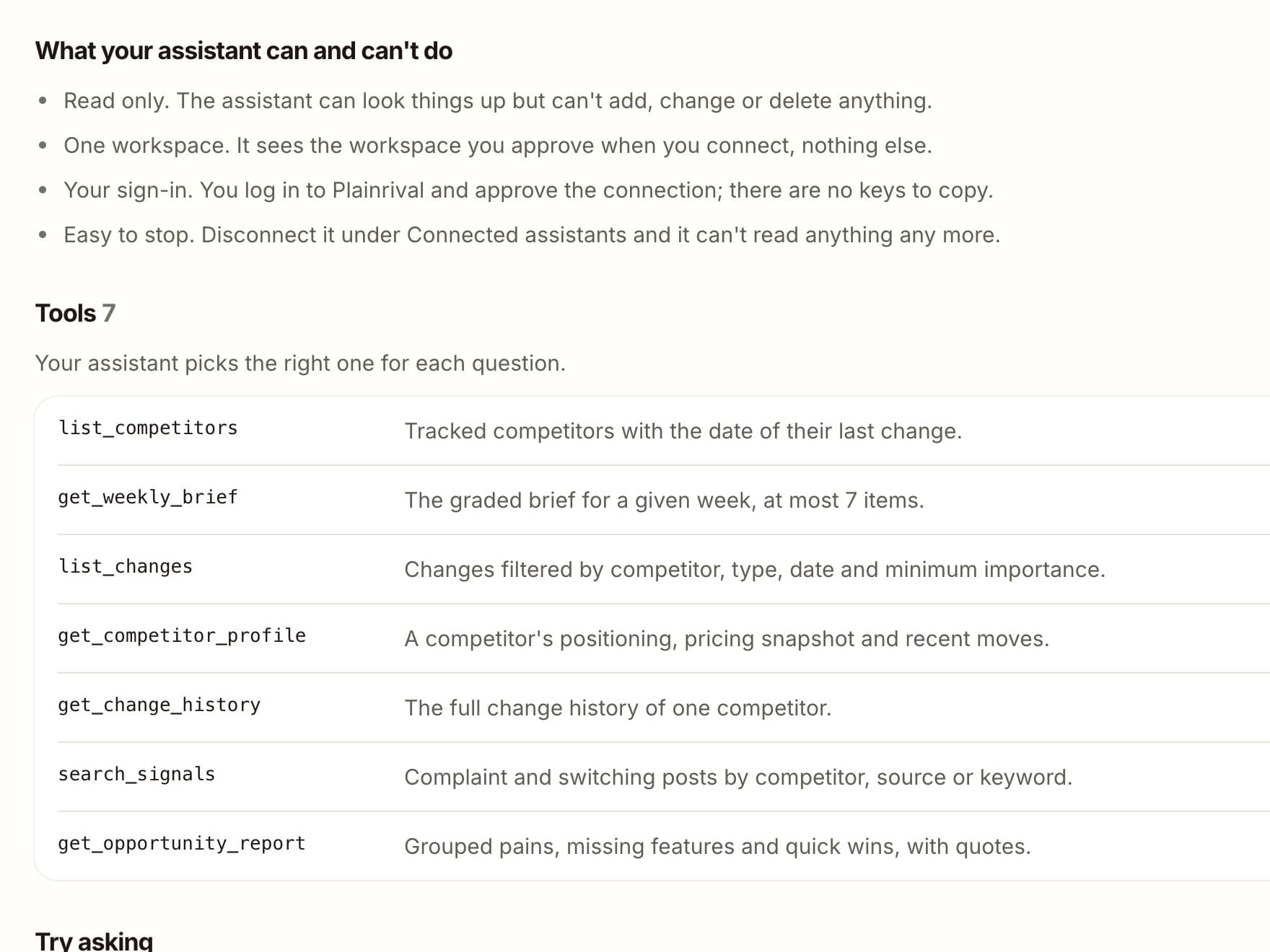
Read-only
Nothing can be changed through the connection.
One workspace per connection
The assistant sees that workspace and nothing else.
OAuth 2.1
You sign in to Plainrival and approve the connection. No API keys to copy.
How it works
Connected in a minute
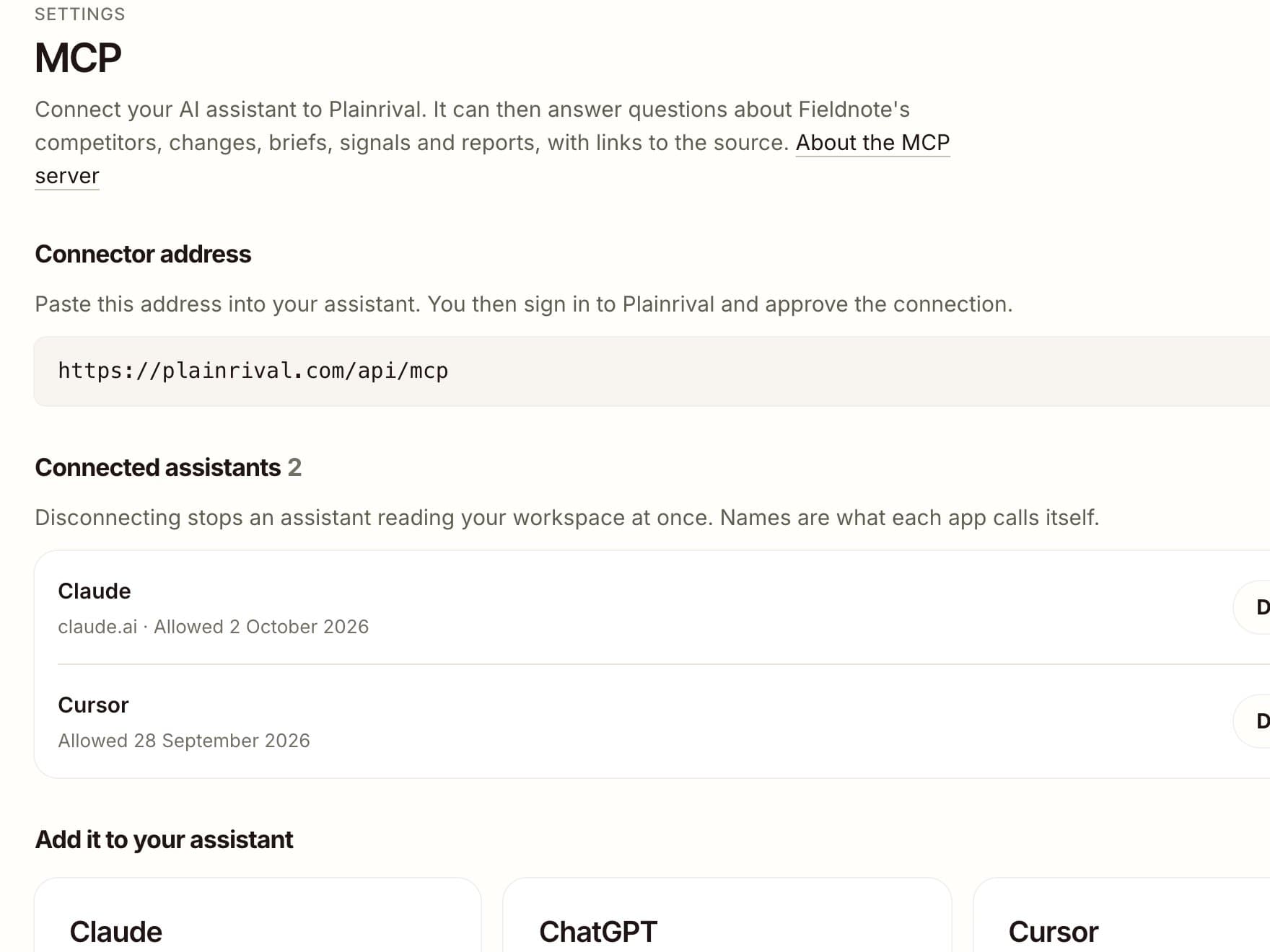
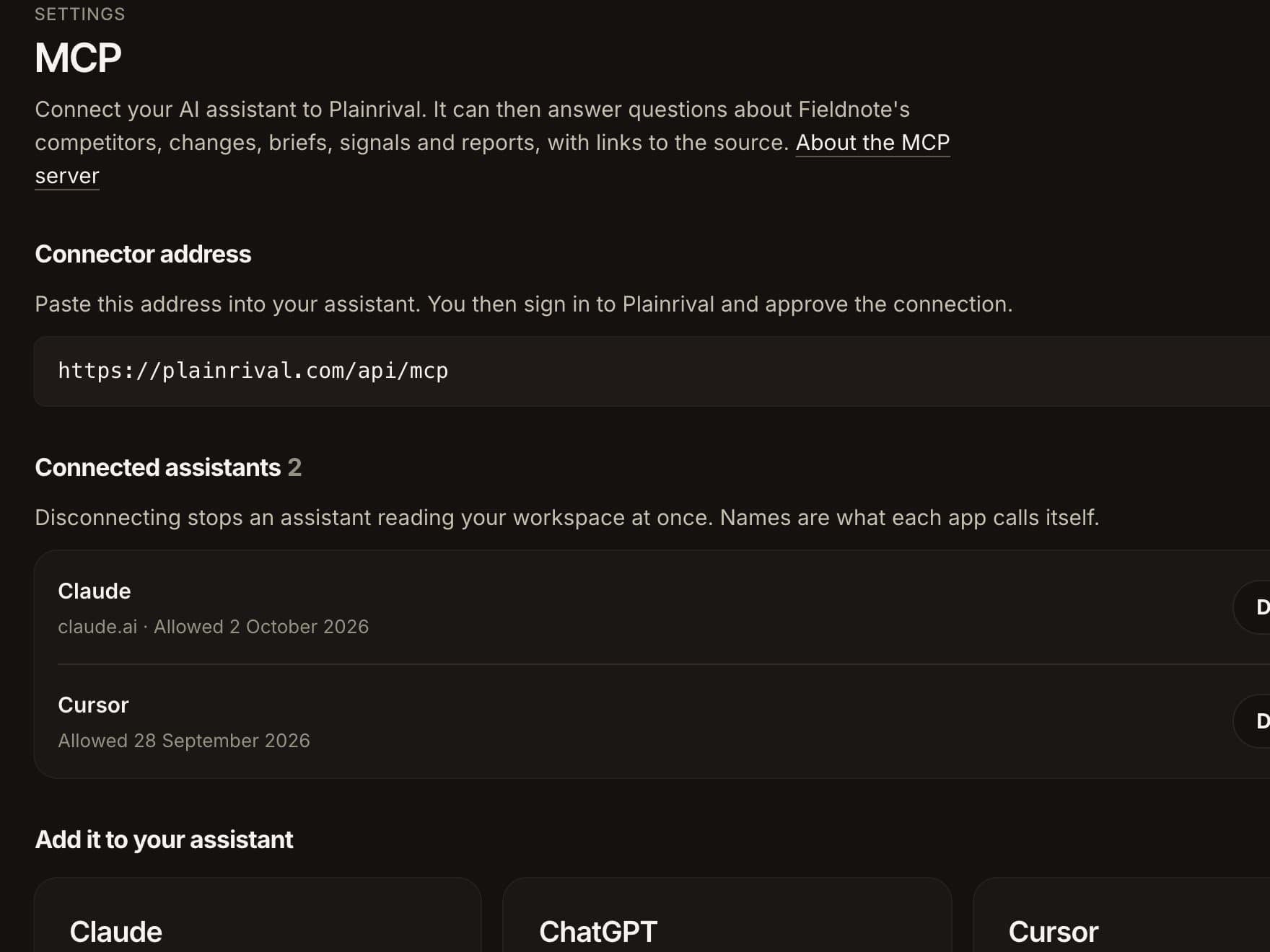
Add one connector
In your assistant's settings, add a custom connector with the address plainrival.com/api/mcp.
Approve it
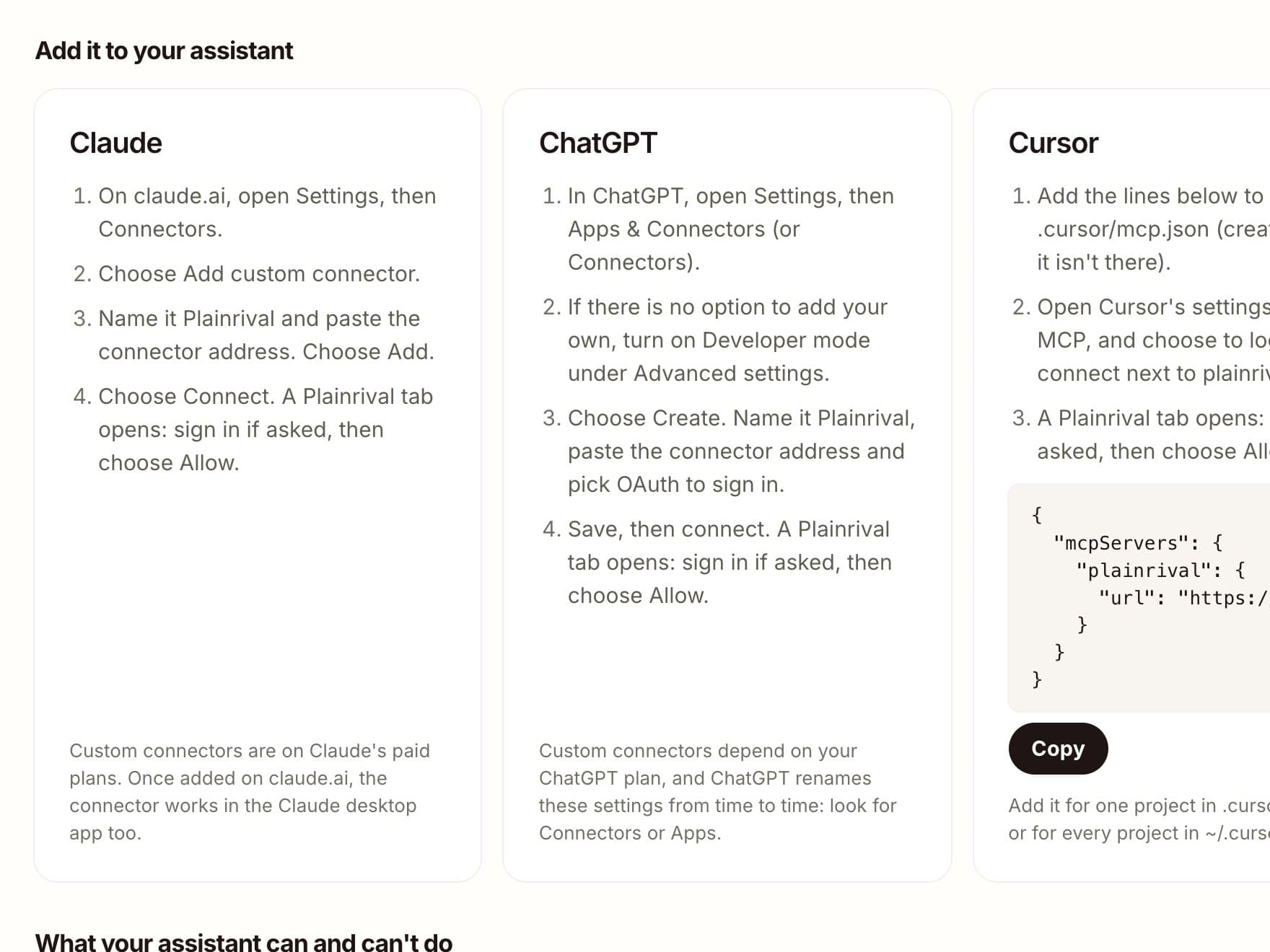
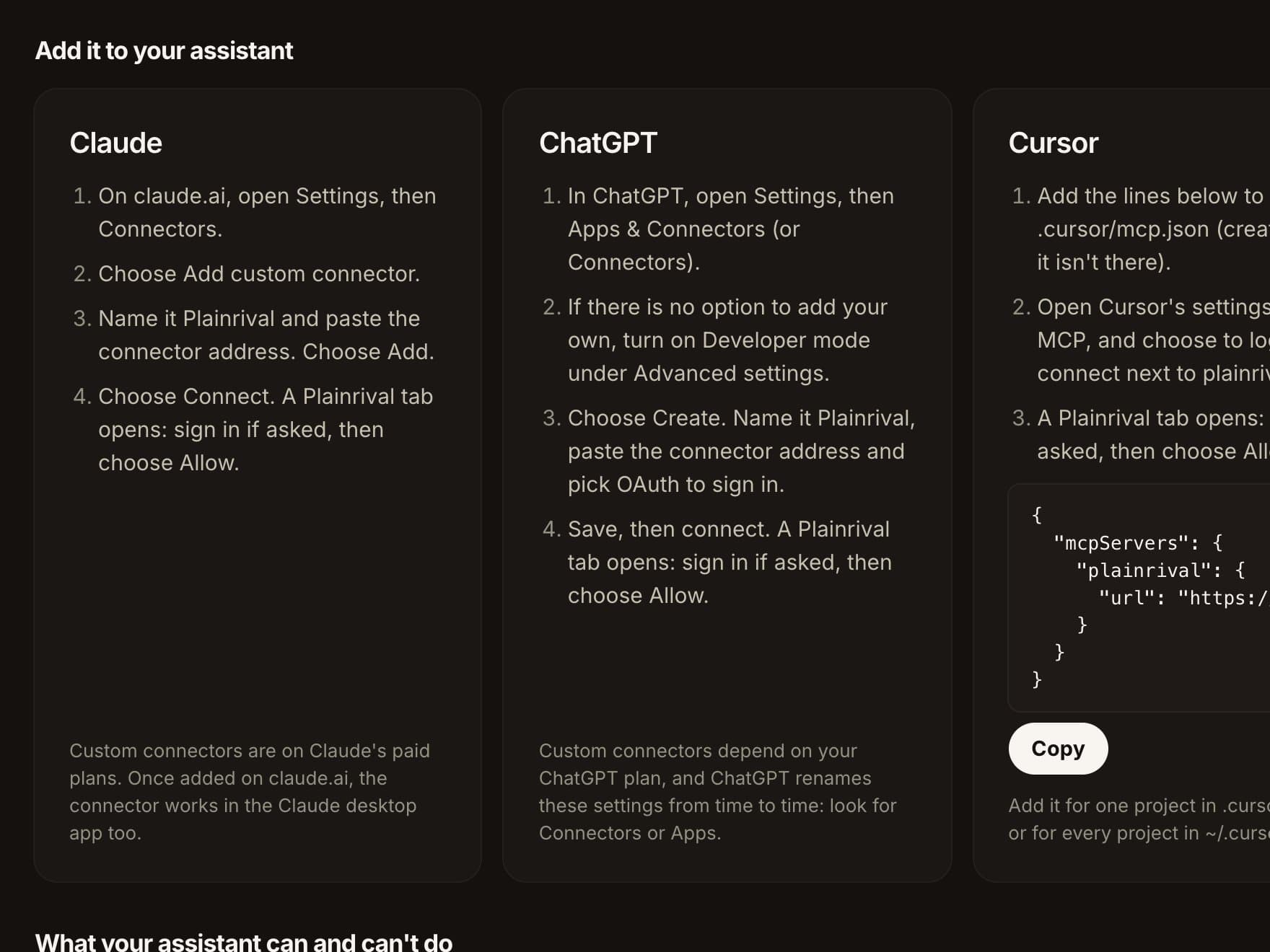
Sign in to Plainrival and choose the workspace the assistant may read. The app has the steps for Claude, ChatGPT and Cursor.
Ask in plain words
Ask “What did Acme CRM change this month?” The assistant picks the right tool and answers from your tracked data, with the page, the date and a link to the source. Ask what to fix first and it reads your open recommendations against that competitor.
The tools
Seven small, read-only tools
list_competitorsTracked competitors with the date of their last change.get_weekly_briefThe graded brief for a given week, at most 7 items.list_changesChanges filtered by competitor, type, date and minimum importance.get_competitor_profileA competitor's positioning, pricing snapshot, recent moves and open recommendations.get_change_historyThe full change history of one competitor.search_signalsComplaint and switching posts by competitor, source or keyword.get_opportunity_reportGrouped pains, missing features and quick wins, with quotes.
Questions
Questions about the MCP server
Can I connect my assistant today?
Not yet. The server and its seven tools are built, and connecting an assistant opens soon. Until then, everything it would answer is in the app.
What is MCP?
MCP (Model Context Protocol) is how AI assistants use outside tools. Connect Plainrival once and your assistant can answer questions about your competitors from your own tracked data.
Which assistants can use it?
Any assistant that connects to a remote MCP server with OAuth, for example Claude, ChatGPT or Cursor.
Can my assistant change anything in Plainrival?
No. Every tool is read-only. Your assistant can look things up but can't add, edit or delete anything.
What can the assistant see?
Only the one workspace you approved when you connected it.
Where does the data come from?
From Plainrival's daily checks of your competitors' public pages and from public signals such as Hacker News. It is the same data you see in the app, with links to the source.
Do I need to write code?
No. You paste one URL into your assistant's connector settings and approve it.